.svg)

Learn our proven 5-step framework that transforms time-consuming manual processes into efficient automated systems that save hours and reduce errors.
Caed G.
December 19, 2025
Every business owner knows the frustration: your team spends hours each week on repetitive tasks that could be automated, but you don't know where to start. You've heard about automation success stories, but when you look at your own chaotic workflows, the path forward seems unclear.
After helping hundreds of businesses automate their operations, we've developed a proven 5-step framework that transforms any manual workflow into an efficient automated system. This isn't about replacing your team with robots—it's about freeing them from mind-numbing repetition so they can focus on what actually grows your business.
The businesses that successfully automate don't just throw technology at problems. They follow a systematic approach that ensures automation actually works and delivers measurable results.

Before diving into our framework, it's crucial to understand why 60% of automation initiatives fail within the first year. The problem isn't the technology—it's the approach.
Most businesses make these critical errors when attempting automation:
Our 5-step framework addresses each of these failure points systematically, ensuring your automation project succeeds from day one.
Our framework transforms manual workflows through five distinct phases:
Each step builds on the previous one, creating a solid foundation for successful automation that actually delivers results.
You can't automate what you don't understand. The first step involves creating a complete map of your current manual process, including every step, decision point, and exception.
For each workflow you want to automate, capture:
We use a combination of interviews, observation, and process mining to create comprehensive workflow maps. Our team shadows your employees, documents every step, and identifies variations in how different people handle the same process.
For example, when mapping a client's lead qualification process, we discovered that different sales reps used completely different criteria to qualify prospects. This inconsistency would have broken any automation attempt, but by documenting it first, we could standardize the process before automating.
We recommend these approaches for different business sizes:
Before automation, you need baseline metrics to measure improvement. This step quantifies exactly how much time, effort, and resources your manual process consumes.
Focus on these critical measurements:
Marcus runs a 12-person insurance agency in Dallas. His team was spending 15 hours per week manually processing new client applications. By measuring the current process, we discovered:
These baseline metrics became our targets for improvement and helped justify the automation investment.
Gather accurate measurements using:
This is the step most businesses skip—and it's why their automation fails. Before adding technology, optimize your manual process to eliminate waste, standardize procedures, and handle edge cases consistently.
For each workflow, systematically address:
During optimization, avoid these pitfalls:
With a clean, optimized process, you're ready to add automation technology. This step focuses on selecting the right tools and implementing them in phases.
Choose tools based on your specific requirements:
Roll out automation in phases to minimize risk:
Automation isn't a "set it and forget it" solution. The final step involves ongoing monitoring, measurement, and optimization to ensure your automated systems continue delivering value.
Track these metrics to measure automation success:
Establish regular review cycles:
Don't try to automate everything at once. Start with one high-impact, low-complexity workflow and perfect our framework before expanding.
Choose workflows that are:
Most successful automation projects begin with:
When implemented correctly, our 5-step framework delivers measurable results within 90 days.
Our clients consistently see:
For a typical 20-person service business, automation often delivers:
We've used this 5-step framework to help hundreds of businesses transform their operations. Our proven methodology ensures your automation project delivers results from day one, not months down the road.
Ready to turn your manual workflows into automated systems? Schedule a free strategy call to discuss which of your processes would benefit most from our 5-step framework.

Successful automation isn't about finding the perfect tool—it's about following a systematic approach that addresses the real challenges of turning manual work into automated systems.
Our 5-step framework works because it treats automation as a process, not a product. By mapping, measuring, optimizing, automating, and monitoring, you create systems that actually work and continue improving over time.
The businesses thriving in 2024 aren't the ones with the most advanced technology. They're the ones with the most thoughtful implementation strategies. Don't let your manual workflows hold back your growth when proven automation frameworks can set you free.
Explore our automation services or use our ROI calculator to see the potential impact of automated systems on your business operations.
Core Automation is a focused engagement designed to solve one clearly defined business bottleneck using AI-driven automation. This service is ideal for companies that need immediate operational relief in a specific area — such as lead handling, customer communication, or internal workflow efficiency — without redesigning their entire system. We identify the highest-impact opportunity, design a clean automation solution, and implement it with predictable scope and outcomes. The result is faster execution, reduced manual work, and a strong foundation for future growth.
View Services →
Automation for professional service firms to improve lead follow-up, onboarding, and internal workflows.

Automation for home service businesses to capture every lead, streamline scheduling, and improve follow-up.

Automation for construction and trades businesses to organize leads, streamline estimating, and improve coordination.

Discover why AI projects fail without proper team buy-in and learn practical strategies to overcome resistance, train effectively, and ensure successful adoption.
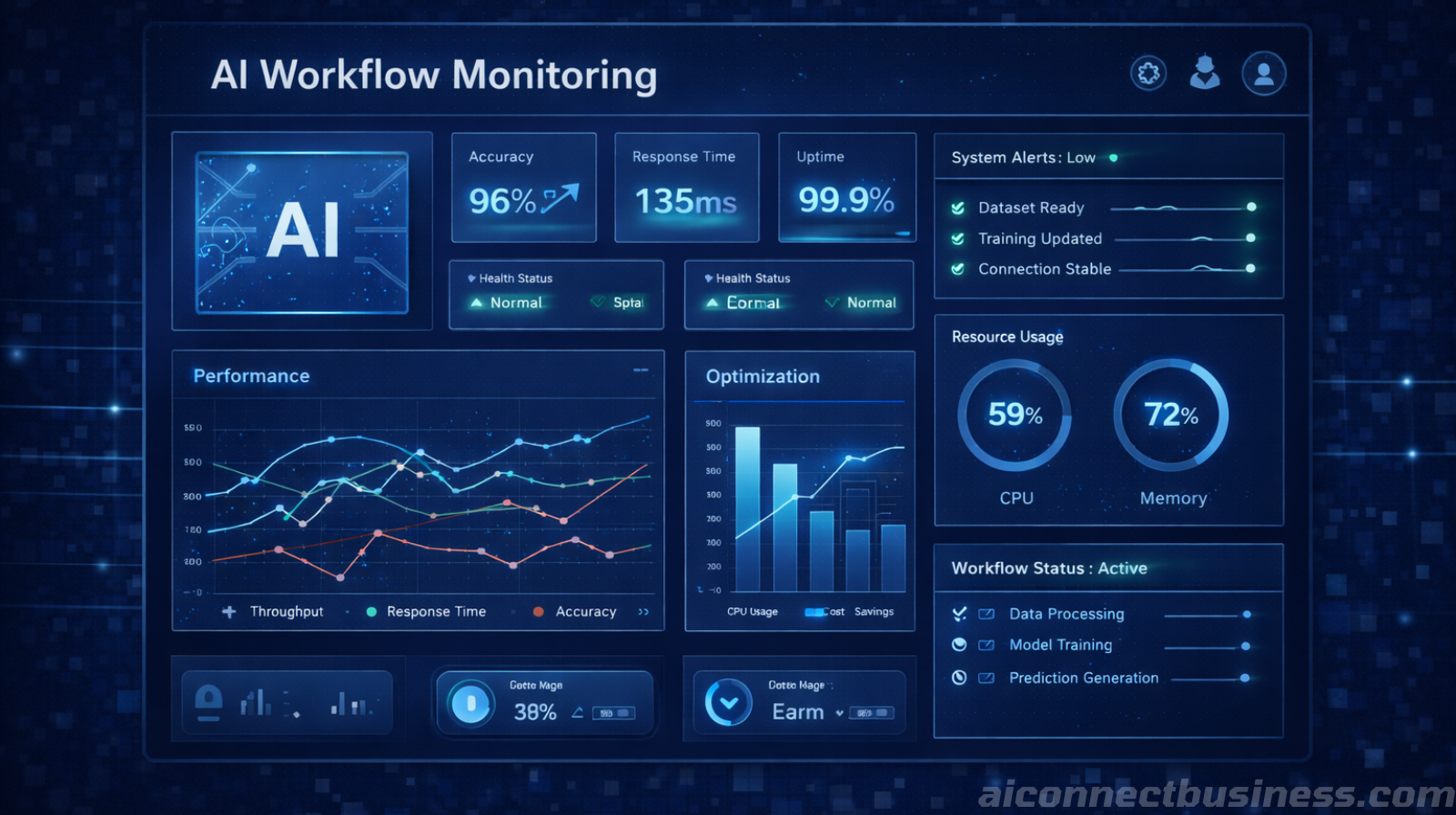
Discover why 70% of AI automation projects fail due to poor data quality and learn how to prepare your CRM, forms, and systems for successful automation.

Discover why AI automation requires ongoing optimization. Learn how monitoring, refining, and iterative improvements boost accuracy, speed, and ROI over time.

Address common AI security concerns for small businesses. Learn how to implement secure AI automation, RAG systems, and data protection without sacrificing efficiency.
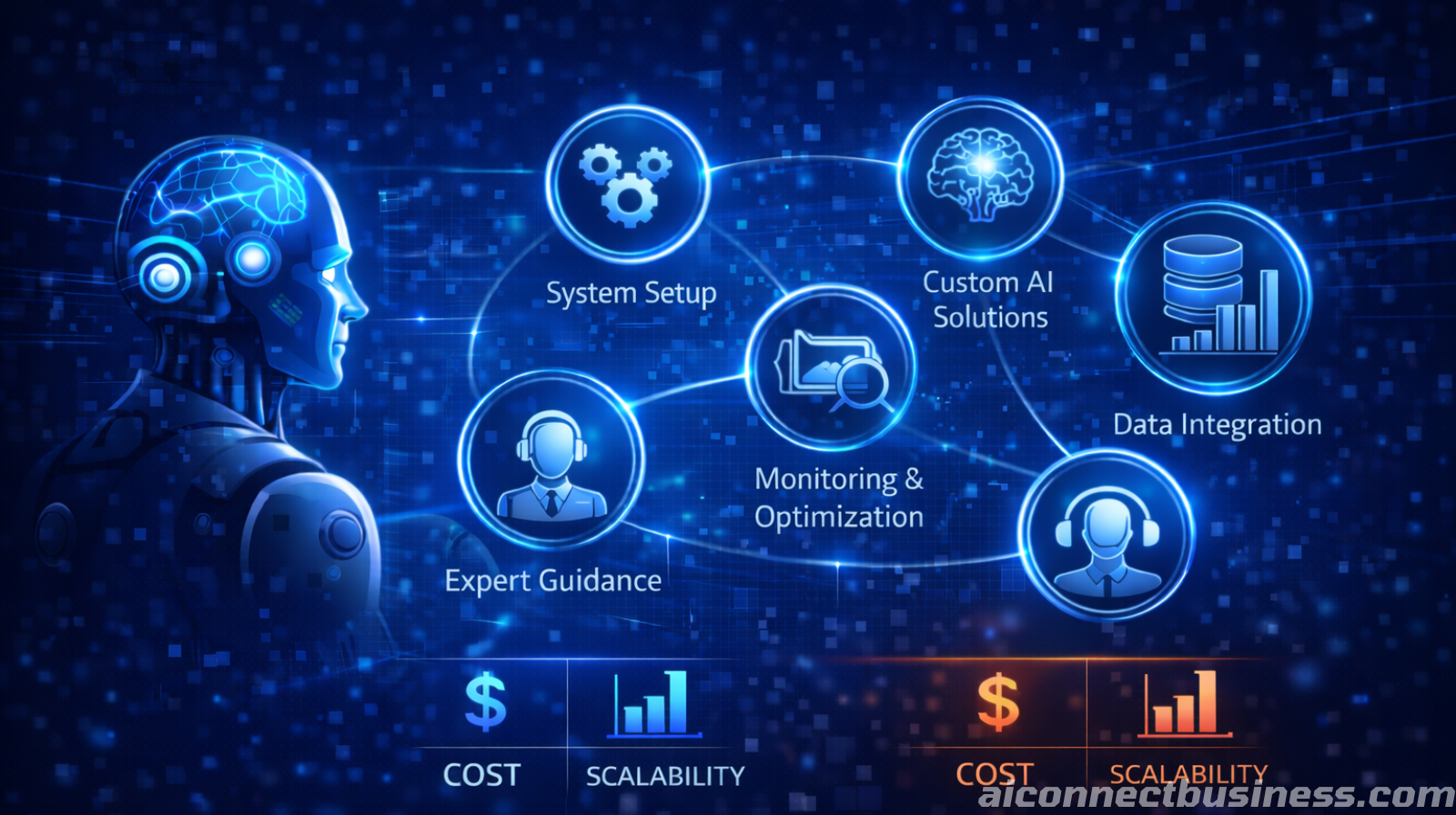
Discover what legitimate done-for-you AI automation services should include and how to avoid costly shortcuts that hurt your business.

Discover the real costs and scalability benefits of AI automation compared to hiring additional staff for your growing business.

You don’t need a tech team to start automating. We help small businesses scale faster by leveraging AI. Save time, reduces errors, and keep leads from slipping through the cracks.
Book Your Free AI Audit