.svg)
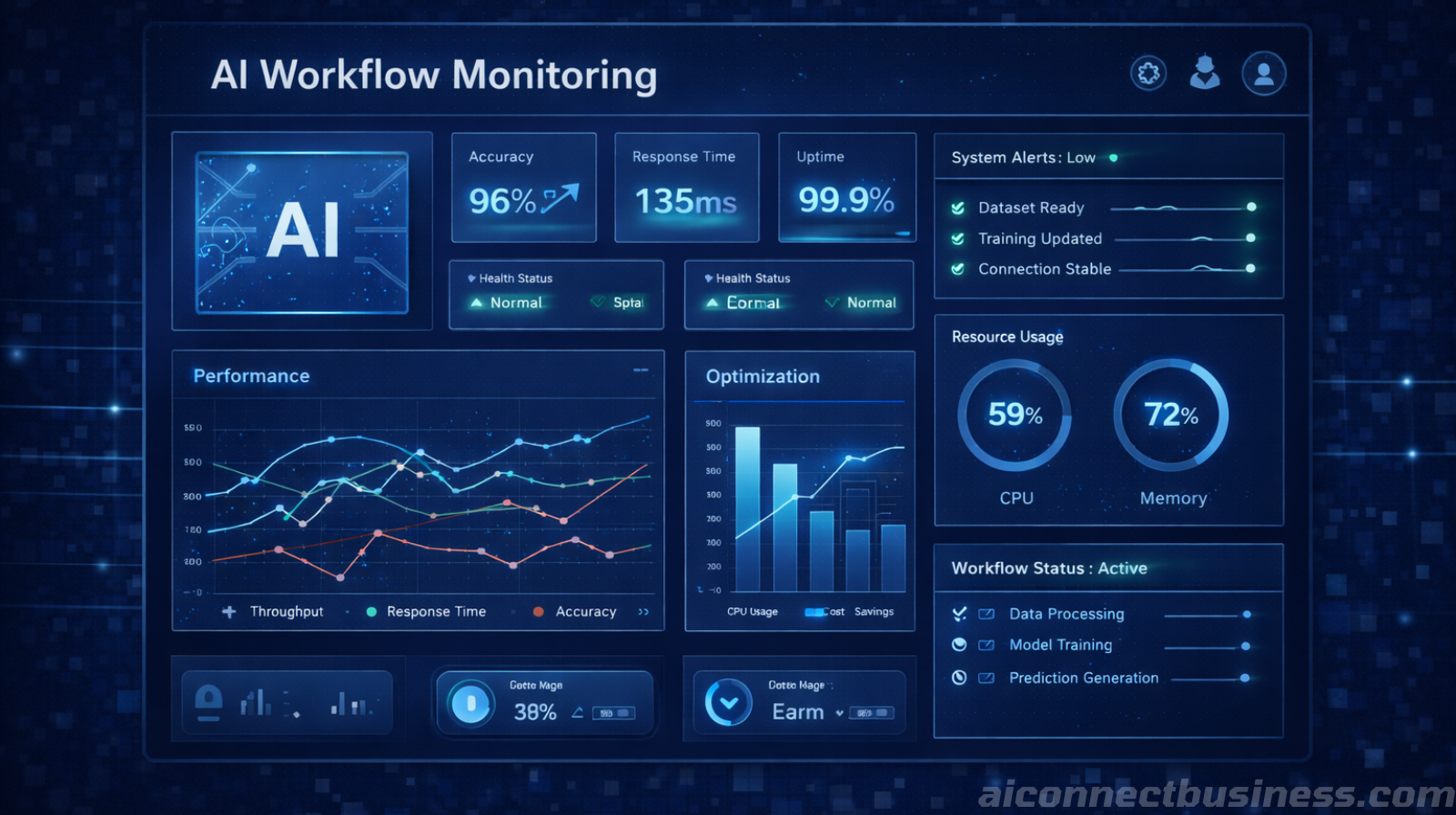
Discover why 70% of AI automation projects fail due to poor data quality and learn how to prepare your CRM, forms, and systems for successful automation.
Caed G.
January 8, 2026
You've invested in AI automation for your business. The promises were compelling: automated lead follow-up, intelligent customer service, streamlined workflows. But three months later, your AI systems are making embarrassing mistakes, sending generic responses, and missing critical customer information.
The problem isn't your AI automation strategy—it's your data.
Here's the uncomfortable truth: 70% of AI automation projects fail not because of bad technology, but because of bad data. When your CRM is filled with incomplete records, your forms capture inconsistent information, and your systems don't talk to each other, even the most sophisticated AI will produce disappointing results.
This is the "garbage in, garbage out" principle in action, and it's costing small businesses thousands in wasted automation investments.

Before we dive into solutions, let's understand what dirty data actually costs your business when you try to automate with AI.
Consider Sarah, who runs a growing HVAC company. She implemented an AI phone agent to handle after-hours calls, but her CRM had inconsistent data formats:
The result? Her AI agent couldn't match callers to existing customers, created duplicate records, and scheduled appointments at wrong addresses. Instead of improving efficiency, the automation created more work for her team.
Dirty data in AI automation creates cascading problems:
One study found that businesses lose an average of $15 million annually due to poor data quality. For small businesses, even a fraction of that impact can be devastating.
Understanding where dirty data originates is the first step to fixing it. In most small businesses, data quality issues stem from four main sources.
Your team enters customer information differently every time. One person writes "St." while another writes "Street." Phone numbers get formatted inconsistently. Company names appear with and without "LLC" or "Inc."
This inconsistency confuses AI systems that rely on pattern recognition to make decisions.
Most small businesses use several tools that don't communicate:
When these systems don't share data properly, you end up with conflicting information across platforms.
Customer data becomes stale quickly. People change jobs, move addresses, and update phone numbers. Without regular data maintenance, your AI automation works with outdated information, leading to failed communications and frustrated customers.
Your website forms might be collecting data, but are they collecting useful data? Forms with unclear fields, no validation rules, and optional fields that should be required create gaps that AI can't fill.
Before implementing any AI automation for business, you need to establish data standards. Here's what clean, automation-ready data looks like:
Every piece of similar data follows the same format:
Your CRM should have mandatory fields for essential information. At minimum, every customer record needs:
Use consistent categories across your systems. If you tag customers as "Residential" in your CRM, don't use "Home" in your email marketing platform for the same category.
Cleaning your data doesn't have to be overwhelming. Here's a practical approach that works for most small businesses:
Start by exporting your customer data from all systems. Look for:
Most CRM systems have built-in tools to identify duplicates and incomplete records.
Create a simple document outlining how data should be entered. Include examples for:
This is often the most time-consuming step, but it's crucial. You can:
Set up your systems to prevent future data quality issues:
At AIConnect Business, data preparation is always the first step in our automation implementation process. Here's how we approach it:
We start every project with a comprehensive data audit. We examine your CRM, website forms, email lists, and any spreadsheets you use for business operations. This reveals exactly what needs to be cleaned before automation begins.
We create data standards specific to your industry and business model. An HVAC company needs different data fields than a law firm, and we ensure your standards support your specific automation goals.
Rather than trying to clean everything at once, we prioritize based on your automation goals. If you're starting with automated lead follow-up, we focus on contact information and lead source data first.
Let's look at how proper data preparation transformed results for one of our clients.
Mike runs a residential HVAC company with 15 technicians. His CRM contained 5,000+ customer records, but the data was inconsistent:
Before implementing any AI automation, we spent two weeks cleaning and standardizing his data:
With clean data as the foundation, Mike's AI automation delivered impressive results:
Based on our experience with hundreds of small businesses, here are the most common data preparation mistakes to avoid:
The biggest mistake is implementing AI automation before cleaning your data. This creates more problems than it solves and often leads businesses to abandon automation entirely.
Creating data standards is only half the battle. You need to train your team and regularly audit compliance. One person entering data differently can undermine your entire automation system.
Data cleanup isn't a one-time project. Customer information changes constantly, and you need ongoing processes to maintain data quality.
Some businesses create overly complex data standards that are difficult to follow. Keep your standards simple and practical for daily use.
If you're ready to prepare your data for AI automation, here's the fastest path forward:
Want to accelerate this process? Our strategy call includes a free data health assessment that identifies your biggest opportunities for improvement.

AI automation can transform your business, but only if it has clean, structured data to work with. The "garbage in, garbage out" principle isn't just a technical concept—it's a business reality that determines whether your automation investment pays off or becomes a costly mistake.
The good news is that data preparation doesn't have to be overwhelming. By focusing on consistency, completeness, and ongoing maintenance, you can create the foundation for AI automation that actually works.
Remember: every hour you spend cleaning and organizing your data saves dozens of hours dealing with automation problems later. It's not the most exciting part of digital transformation, but it's absolutely essential for success.
Ready to assess your data quality and prepare for successful AI automation? Use our ROI calculator to see how clean data and proper automation could impact your business, then schedule a strategy call to get started.
Core Automation is a focused engagement designed to solve one clearly defined business bottleneck using AI-driven automation. This service is ideal for companies that need immediate operational relief in a specific area — such as lead handling, customer communication, or internal workflow efficiency — without redesigning their entire system. We identify the highest-impact opportunity, design a clean automation solution, and implement it with predictable scope and outcomes. The result is faster execution, reduced manual work, and a strong foundation for future growth.
View Services →
Automation for home service businesses to capture every lead, streamline scheduling, and improve follow-up.

Automation for financial and insurance firms to improve lead handling and onboarding.

Automation for medical practices to reduce front-desk load and improve patient follow-up.

Automation for construction and trades businesses to organize leads, streamline estimating, and improve coordination.

Discover why AI projects fail without proper team buy-in and learn practical strategies to overcome resistance, train effectively, and ensure successful adoption.
Discover why 70% of AI automation projects fail due to poor data quality and learn how to prepare your CRM, forms, and systems for successful automation.

Discover why AI automation requires ongoing optimization. Learn how monitoring, refining, and iterative improvements boost accuracy, speed, and ROI over time.

Address common AI security concerns for small businesses. Learn how to implement secure AI automation, RAG systems, and data protection without sacrificing efficiency.

Discover what legitimate done-for-you AI automation services should include and how to avoid costly shortcuts that hurt your business.

Discover the real costs and scalability benefits of AI automation compared to hiring additional staff for your growing business.

You don’t need a tech team to start automating. We help small businesses scale faster by leveraging AI. Save time, reduces errors, and keep leads from slipping through the cracks.
Book Your Free AI Audit