.svg)

Learn why calculating ROI before automation is crucial for success and discover the exact formulas and methods we use to ensure profitable automation projects.
Caed G.
December 19, 2025
Every week, we meet business owners who jumped into automation without calculating ROI first. They spent thousands on software, hired consultants, and implemented systems—only to discover months later that their "efficiency gains" actually cost more than they saved.
Here's the uncomfortable truth: most automation projects fail not because of bad technology, but because of bad math. Businesses automate the wrong processes, underestimate implementation costs, and overestimate benefits. The result? Expensive systems that don't move the needle.
The businesses that succeed with automation take a different approach. They calculate ROI before they automate, not after. They know exactly which processes will deliver the biggest returns and can prove it with numbers before spending a dime.

Most businesses approach automation backwards. They see a cool demo, get excited about the possibilities, and start implementing without understanding the true financial impact. This leads to predictable problems that could be avoided with proper ROI analysis.
When automation projects fail, the damage goes beyond the initial investment:
Here's a common scenario: A law firm automates their document review process, reducing review time by 50%. Sounds great, right? But the automation cost $30,000 annually, while the time savings only freed up $18,000 worth of paralegal hours. The firm is now $12,000 worse off, despite being "more efficient."
This happens because efficiency and profitability aren't the same thing. True ROI considers all costs against all benefits, not just time savings.
Our approach flips the traditional automation process. Instead of starting with technology, we start with financial analysis. This ensures every automation project delivers measurable returns from day one.
Before automating anything, calculate the true cost of your current manual process. This includes direct labor costs, error correction, opportunity costs, and customer impact.
Identify all costs associated with automation: software, implementation, training, maintenance, and ongoing support. Many businesses forget about hidden costs that emerge after go-live.
Measure the specific, quantifiable benefits automation will deliver. This goes beyond time savings to include error reduction, capacity increases, and customer experience improvements.
Factor in implementation risks, adoption challenges, and potential failure costs. Conservative ROI calculations account for things that might go wrong.
Most businesses use oversimplified ROI calculations that miss critical factors. Here's our comprehensive methodology for accurate automation ROI analysis.
Document all costs associated with your current manual process:
Jennifer runs a 15-person accounting firm in Phoenix. Her team spends 20 hours weekly on invoice processing. Here's her current process cost calculation:
Direct Labor:
Error Costs:
Opportunity Cost:
Total Annual Cost: $54,312
Include all expenses associated with implementing and maintaining automation:
For Jennifer's invoice automation project:
Year 1 Total Cost: $18,800
Annual Ongoing Cost: $4,800
Calculate the specific, measurable benefits automation will deliver:
Jennifer's automation benefits:
Total Annual Benefits: $54,921
Use this comprehensive ROI formula that accounts for all factors:
ROI = (Annual Benefits - Annual Costs) / Total Investment × 100
For Jennifer's project:
ROI = ($50,121 / $18,800) × 100 = 267%
This means Jennifer will recover her investment in less than 5 months and generate $2.67 for every dollar invested annually.
Our ROI-first approach follows a systematic process that ensures accurate calculations and successful implementations.
We analyze your current operations to identify automation candidates:
We perform detailed financial analysis for each automation opportunity:
We create detailed business cases for approved projects:
Even well-intentioned businesses make predictable errors when calculating automation ROI. Here are the most costly mistakes we see:
Most businesses focus on software costs and ignore implementation expenses. Integration, training, and process redesign often cost 2-3x the software price.
Automation rarely eliminates 100% of manual work. Account for monitoring, exception handling, and system maintenance when calculating time savings.
If your team doesn't fully adopt the automated system, you won't achieve projected benefits. Factor in change management and training time.
Software subscriptions, support contracts, and system maintenance create ongoing expenses that reduce long-term ROI.
Most automation projects take 2-3x longer than initially estimated. Use conservative timelines when calculating payback periods.
Don't try to analyze every process at once. Start with our proven approach for identifying your highest-ROI automation opportunities.
List all repetitive processes in your business and gather basic information:
Use this simplified formula to identify top candidates:
Annual Labor Cost = Weekly Hours × Hourly Rate × 52
Potential Savings = Annual Labor Cost × Automation Percentage
Quick ROI = Potential Savings / Estimated Automation Cost
Focus on processes with Quick ROI above 200%.
Perform comprehensive ROI calculations for your top 3 candidates using our complete methodology.
Create detailed implementation plans for projects with ROI above 150% and payback periods under 12 months.
Different industries have unique factors that affect automation ROI calculations.
Focus on billable hour recovery and client capacity increases. Automation that frees up attorney or consultant time for billable work typically shows the highest ROI.
Consider patient satisfaction improvements and compliance benefits. Automation that reduces appointment scheduling errors or insurance claim rejections delivers measurable value.
Emphasize customer response time improvements and technician efficiency. Automation that enables faster service delivery often justifies premium pricing.
Include inventory optimization and customer experience benefits. Automation that reduces stockouts or improves order fulfillment can significantly impact revenue.
Calculating ROI before implementation is only half the battle. You must track actual results to ensure your projections were accurate and identify optimization opportunities.
Track these metrics monthly to measure actual ROI:
Create a simple dashboard that shows:
We've helped hundreds of businesses calculate accurate automation ROI and implement profitable systems. Our ROI-first methodology ensures your automation investments deliver measurable returns from day one.
Ready to discover your highest-ROI automation opportunities? Schedule a free strategy call to discuss your processes and get a preliminary ROI analysis for your top automation candidates.
Use our ROI calculator to get instant estimates for common automation projects and see the potential impact on your business.

Successful automation isn't about implementing the latest technology—it's about making smart financial decisions that deliver measurable returns. By calculating ROI before automation, you ensure every project contributes to your bottom line.
The businesses thriving with automation in 2024 aren't the ones with the most advanced systems. They're the ones with the most disciplined approach to ROI analysis and implementation.
Don't let your automation projects become expensive experiments. Start with ROI, implement with purpose, and measure results continuously. Your bottom line will thank you.
Explore our automation services to learn how we help businesses achieve profitable automation through rigorous ROI analysis and strategic implementation.
Core Automation is a focused engagement designed to solve one clearly defined business bottleneck using AI-driven automation. This service is ideal for companies that need immediate operational relief in a specific area — such as lead handling, customer communication, or internal workflow efficiency — without redesigning their entire system. We identify the highest-impact opportunity, design a clean automation solution, and implement it with predictable scope and outcomes. The result is faster execution, reduced manual work, and a strong foundation for future growth.
View Services →
Automation for professional service firms to improve lead follow-up, onboarding, and internal workflows.

Automation for home service businesses to capture every lead, streamline scheduling, and improve follow-up.
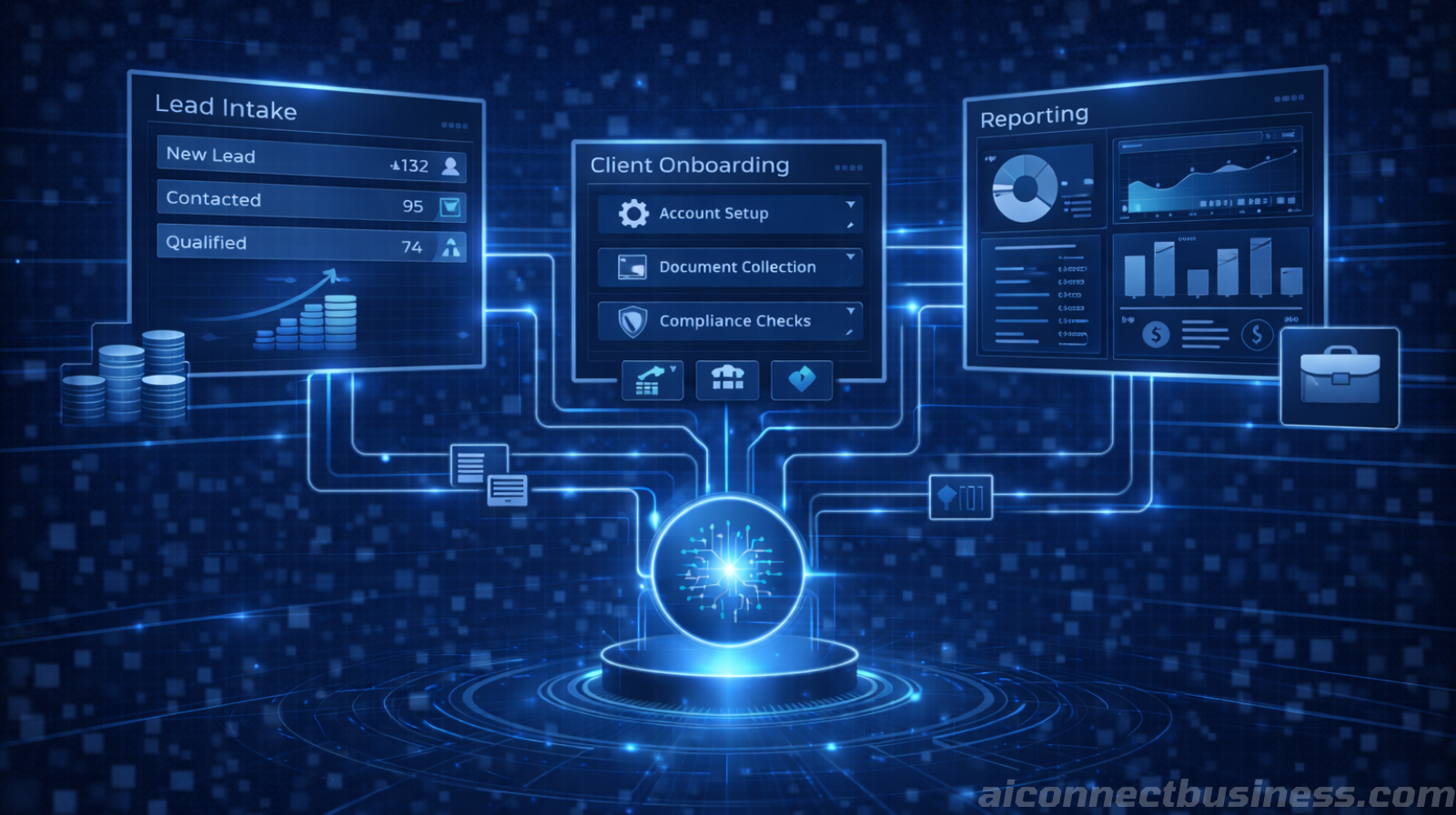
Automation for financial and insurance firms to improve lead handling and onboarding.

Automation for medical practices to reduce front-desk load and improve patient follow-up.

Discover why AI projects fail without proper team buy-in and learn practical strategies to overcome resistance, train effectively, and ensure successful adoption.
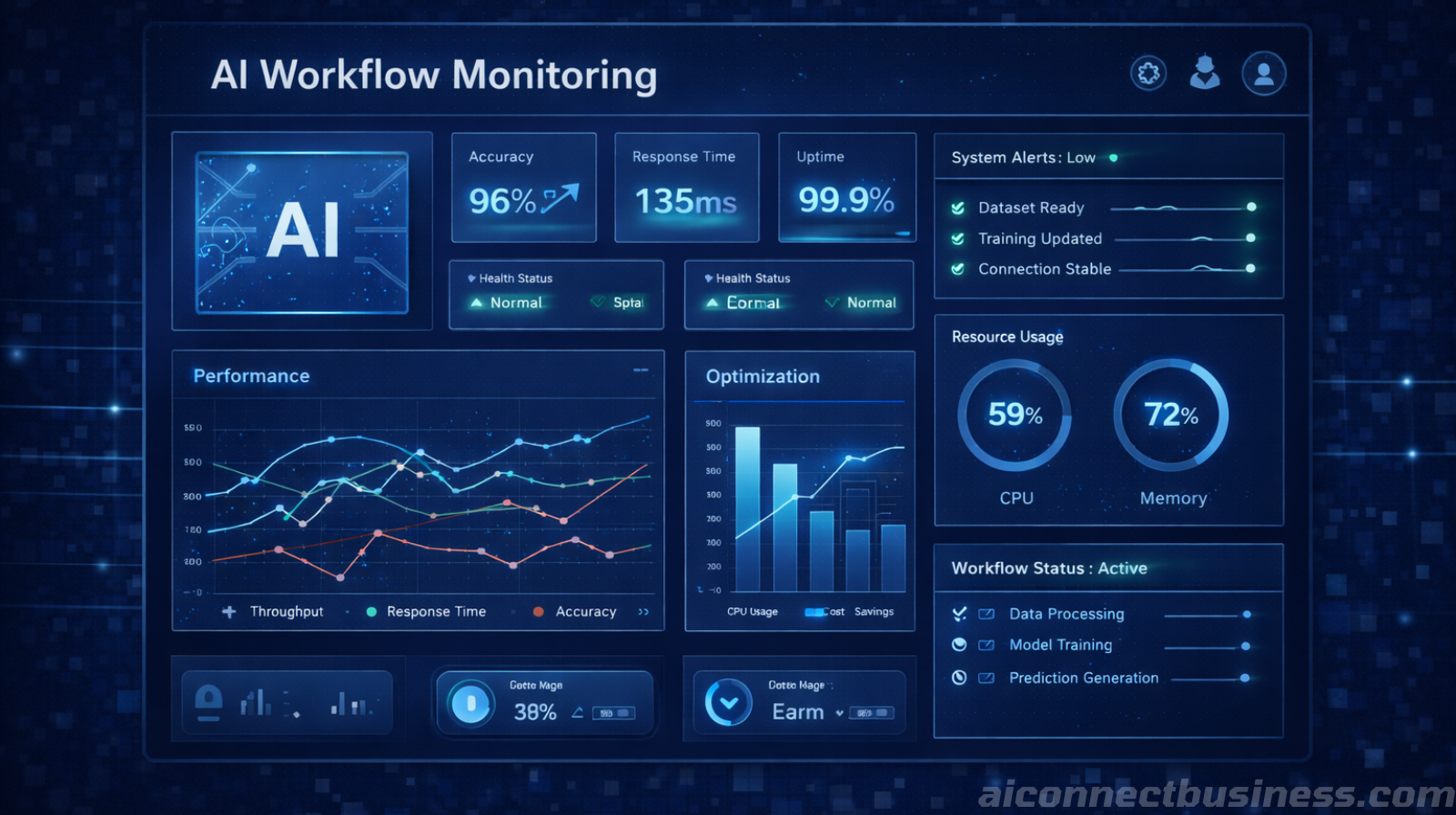
Discover why 70% of AI automation projects fail due to poor data quality and learn how to prepare your CRM, forms, and systems for successful automation.

Discover why AI automation requires ongoing optimization. Learn how monitoring, refining, and iterative improvements boost accuracy, speed, and ROI over time.

Address common AI security concerns for small businesses. Learn how to implement secure AI automation, RAG systems, and data protection without sacrificing efficiency.
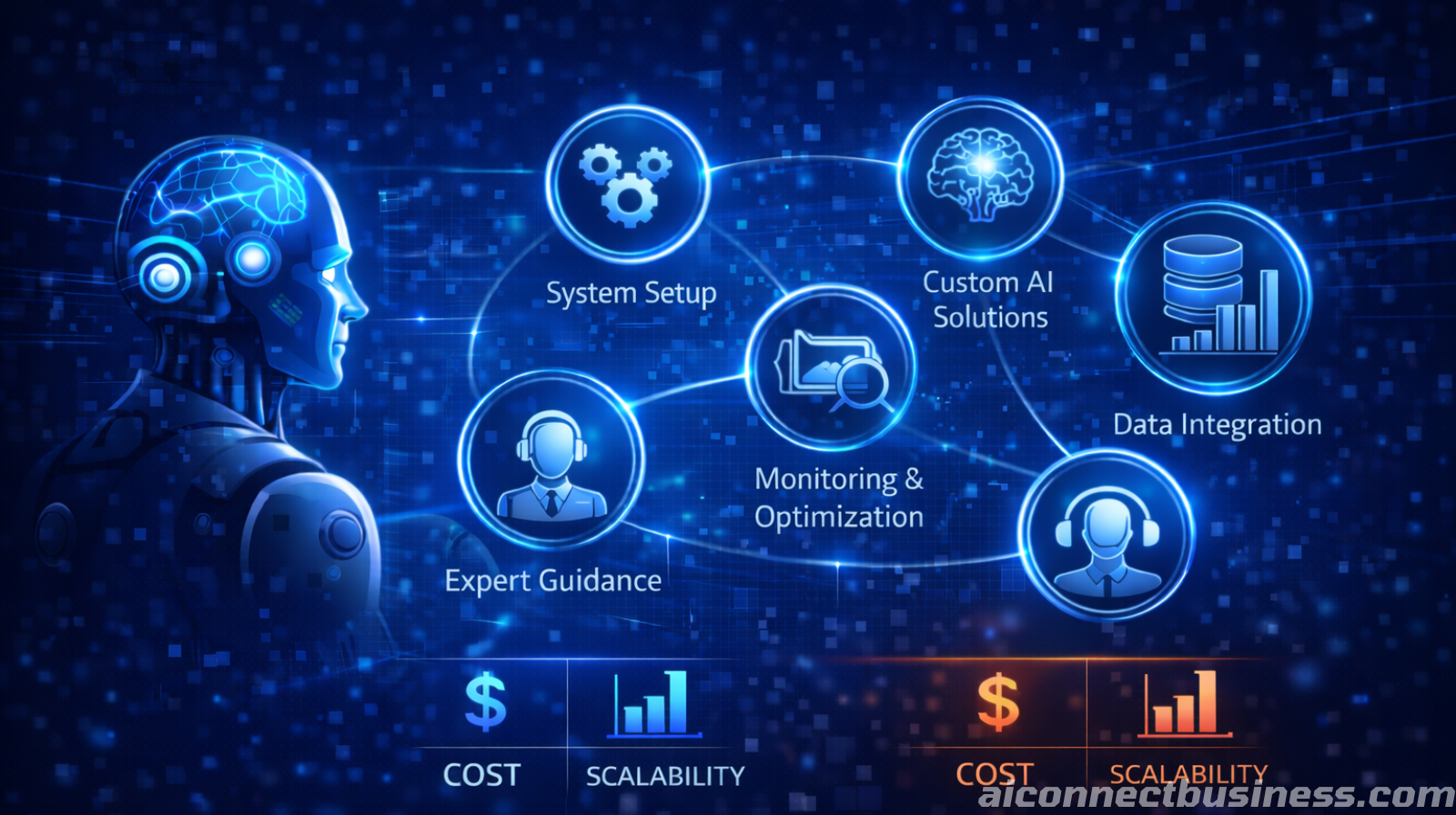
Discover what legitimate done-for-you AI automation services should include and how to avoid costly shortcuts that hurt your business.

Discover the real costs and scalability benefits of AI automation compared to hiring additional staff for your growing business.


You don’t need a tech team to start automating. We help small businesses scale faster by leveraging AI. Save time, reduces errors, and keep leads from slipping through the cracks.
Book Your Free AI Audit